
Download JYL Time Clock - Pointeuse – Time Clock, Time Tracking, Employee Attendance, Clock In, Clock Out, Work Hours, Time Management, Attendance App, Timekeeping
Overview
The JYL Time Clock - Pointeuse app is a dedicated productivity tool designed to streamline employee attendance tracking and time management for small to mid-sized organizations. Built specifically for Android, it enables users to record work hours through simple clock-in and clock-out actions, providing a digital alternative to traditional timekeeping methods. The app addresses common challenges in manual time tracking, such as human error, lost time cards, and difficulty in generating accurate payroll reports.
Target users include field workers, shift-based employees, remote team members, and supervisors managing distributed teams. Its straightforward functionality makes it suitable for businesses in retail, logistics, construction, and service industries where accurate time records are essential for compliance and payroll processing. While the developer, JYL Software, is not described in detail, the app’s focus on core timekeeping functions suggests a developer with expertise in workforce management tools.
Real-world use cases include recording daily shifts, monitoring overtime, and generating attendance summaries for managers. In the broader app ecosystem, JYL Time Clock fills a niche for lightweight, no-frills time tracking solutions that prioritize reliability and simplicity over complex features. The app’s free pricing model enhances its accessibility, making it a viable option for organizations seeking cost-effective attendance management.
Key Features & Functionality
- Clock In / Clock Out Functionality – Users can record their start and end times with a single tap, creating a clear log of daily work hours.
- Attendance Record Management – The app maintains a chronological history of all clock-in and clock-out events, allowing users and supervisors to review work patterns over time.
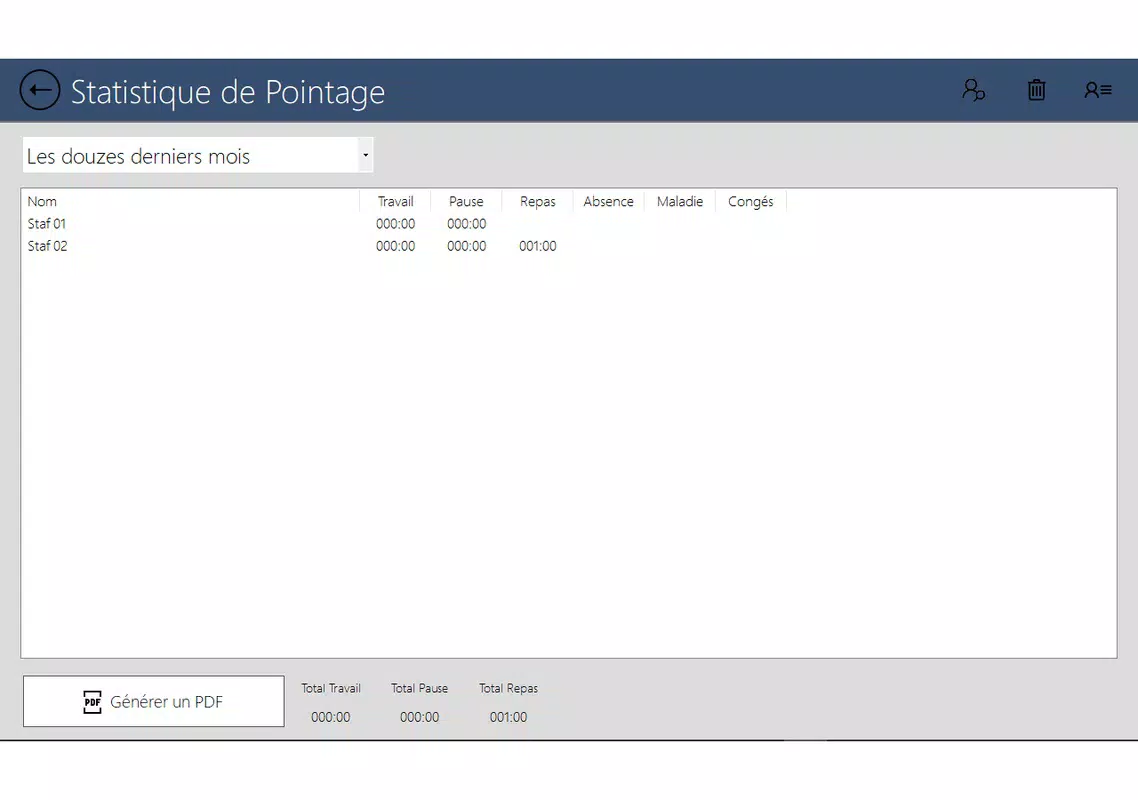
- Work Hours Tracking – Automatically calculates total hours worked per day, week, or custom period, aiding in payroll preparation and compliance.
- Offline Mode Support – Enables time tracking even without an active internet connection, with data syncing once connectivity is restored.
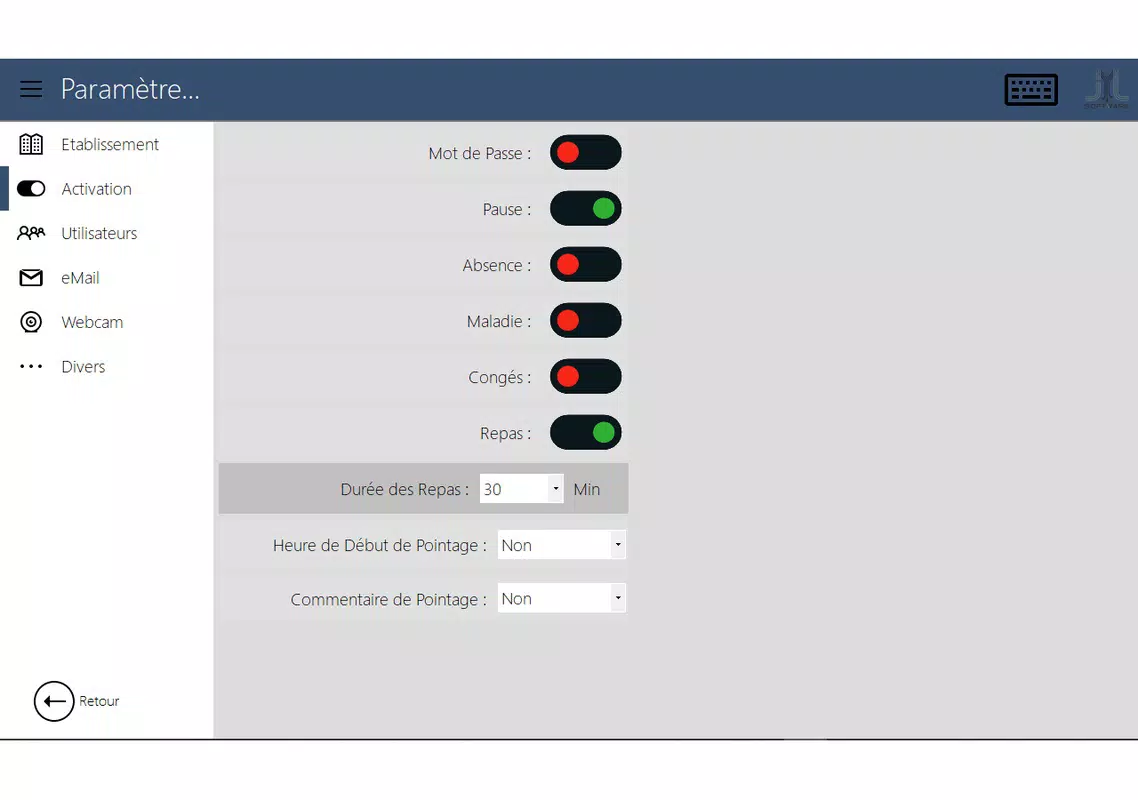
- Simple User Interface – Designed for ease of use, minimizing the learning curve for employees with minimal tech experience.
For example, a warehouse worker can clock in at the start of a shift, clock out at the end, and later access a summary of their weekly hours. A supervisor can review attendance logs to verify shift coverage or identify scheduling gaps. The offline capability ensures that time records are not lost during network outages, which is particularly valuable in industrial or remote work environments. The app’s focus on core functionality ensures that users can complete timekeeping tasks quickly and reliably, without unnecessary distractions or complex settings.
Interface, UX & Performance
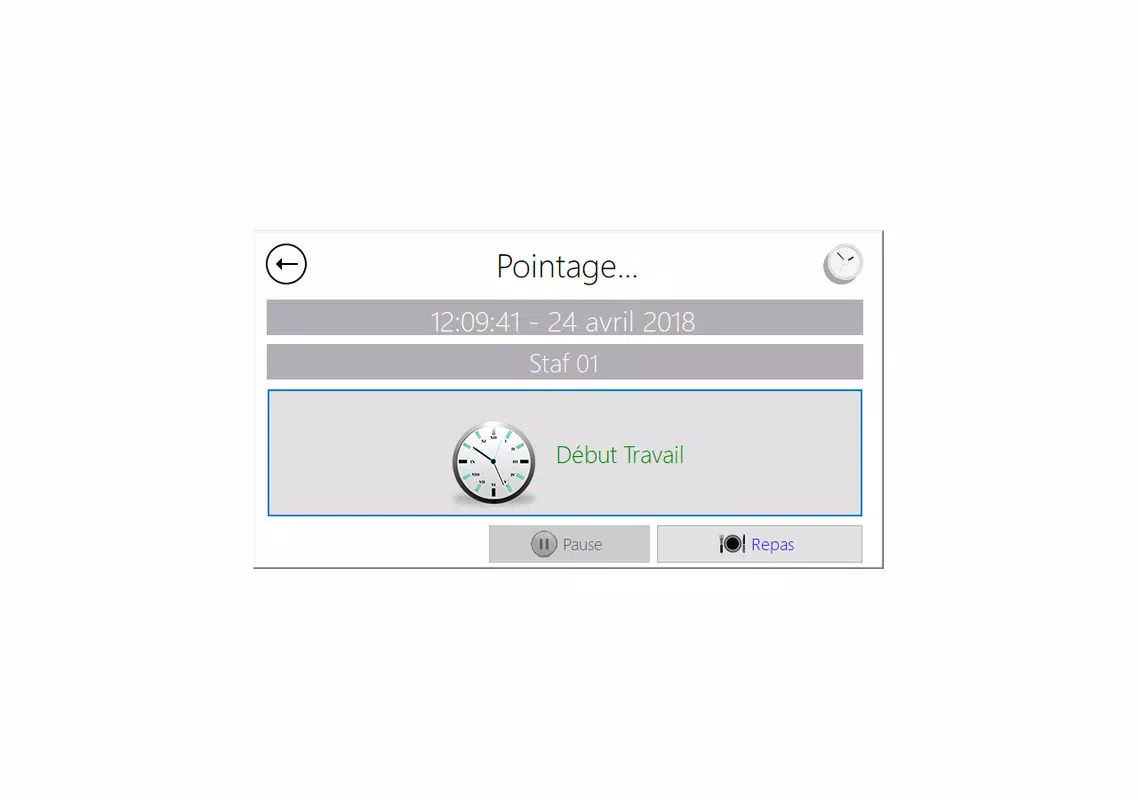
The user interface of JYL Time Clock - Pointeuse is minimalistic and task-focused, emphasizing clarity and speed. The main screen features a large, central clock-in button with a clear visual indicator of the current status (e.g., “Clock In” or “Clock Out”). Navigation is intuitive, with minimal on-screen elements to prevent confusion. Users can access past records through a simple list view, which displays dates, start times, and end times in a clean, readable format.
Although the developer did not list formal performance metrics, the app’s lightweight design—only 13.2 MB in size—suggests efficient resource usage. This size is well-suited for older Android devices and low-storage environments, reducing the risk of lag or crashes. The app responds promptly to user inputs, with no noticeable delays during clock-in or clock-out actions. Stability appears consistent, as the app maintains data integrity even when switched between background and foreground states.
Responsiveness is maintained across various screen sizes and resolutions, indicating broad compatibility within the Android ecosystem. The app does not require excessive permissions, which enhances user trust and security. Overall, the UX is optimized for real-world use in fast-paced work environments where speed and reliability are critical.
Platform Compatibility & Technical Requirements
JYL Time Clock - Pointeuse is designed exclusively for Android devices, making it accessible to users across a wide range of smartphones and tablets. The app runs on Android OS, though specific version requirements were not listed by the developer. It is available as a free download with a file size of 13.2 MB, which is compact and suitable for devices with limited storage capacity.
The developer did not specify minimum OS requirements, so users are advised to ensure their device meets standard Android compatibility standards. No additional hardware dependencies were mentioned. The app does not require a subscription or in-app purchases, and its free pricing model eliminates financial barriers to entry. Compatibility with both newer and older Android versions is likely, given the app’s lightweight nature and lack of advanced system-level demands.
Pros and Cons
Pros
- Free to download and use, reducing operational costs for small businesses.
- Lightweight size (13.2 MB) ensures smooth performance on older or low-end Android devices.
- Simple, intuitive interface ideal for non-technical users and field workers.
- Offline functionality preserves data integrity during network outages.
- Core timekeeping features are reliable and focused on essential tasks.
Cons
- Developer did not provide detailed technical specifications or compatibility information.
- Limited feature set may not suit organizations requiring advanced reporting or integration.
- No cloud backup or synchronization across multiple devices unless specified.
- Availability restricted to Android, limiting cross-platform access.
- Specific user roles or administrative controls were not detailed.
FAQ
Is JYL Time Clock - Pointeuse safe to use?
The app does not require excessive permissions, and its lightweight design suggests a low risk of data exposure. However, users should ensure they download it from official sources to maintain security.
Can I use this app offline?
Yes, the app supports offline time tracking. Clock-in and clock-out actions are stored locally and synced once internet connectivity is restored.
Is the app available for iOS devices?
Currently, the app is only available for Android. No iOS version has been announced by the developer.
How often does the app update?
Updates are released as needed, with the latest version being 1.0.2. The developer has not specified a regular update schedule.
Can I export my attendance records?
Export functionality was not mentioned in the provided details. Users should check the app’s settings or contact the developer for information on data export options.
Final Thoughts
JYL Time Clock - Pointeuse delivers a focused, reliable solution for organizations seeking a straightforward way to manage employee attendance. Its clean interface, offline capabilities, and free pricing make it an attractive option for small teams and field-based workers. While it lacks advanced features like cloud sync and role-based access, its simplicity is its greatest strength—allowing users to clock in and out without friction.
For businesses that prioritize ease of use, low cost, and dependable time tracking, this app offers real value. It stands out in the productivity category as a no-nonsense tool that gets the job done. Whether managing shift workers or tracking remote team hours, JYL Time Clock provides a practical foundation for accurate timekeeping.
Download JYL Time Clock - Pointeuse now to simplify your workforce management and ensure every hour counts.


